

Smarter Books.
Smarter Learning.
ARVO Education Press enhances traditional education with intelligent digital tools that make learning engaging, effective, and future-ready.





For Books with Code
If your book has a scratch sticker code on the back cover:
-
STEP-1
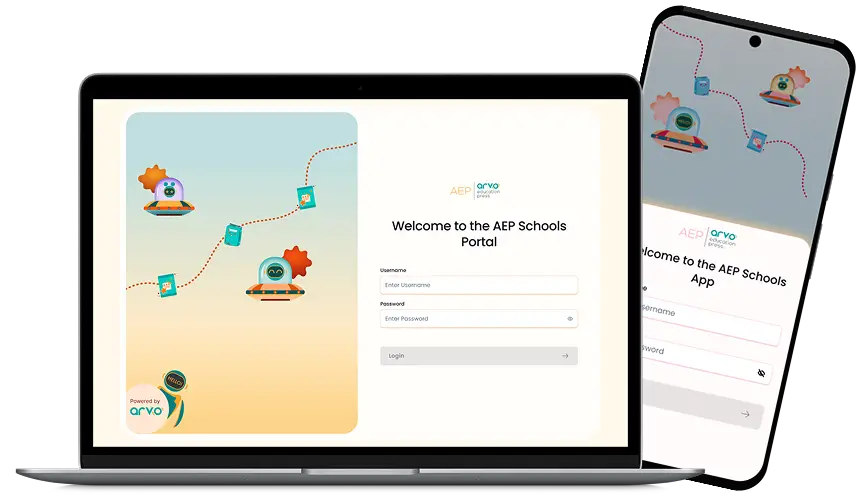
Download the AEP App (App Store / Play Store)
-
STEP-2
Create an account and
log in -
STEP-3
Tap Add Book
-
STEP-4
Scratch the sticker to reveal the code and enter it in the app
-
STEP-5
Scan the QR Codes inside the book to start learning
For Books without Code
If your book does not have a scratch sticker code:
-
STEP-1
Download the app recommended by your school or organisation
-
STEP-2
Log in using the credentials provided by your school or organization
-
STEP-3
Open the Books section to view available books
-
STEP-4
Scan the QR Codes inside the book to start learning